- The 3D atlas needs a connection to load a trek page. Today, a 'Download offline map' button on Kedarkantha saves that page to your phone's browser so it can open with no signal.
- Offline means saved files plus GPS. Your phone's satellite position needs no mobile data, but the map is a planning view, not a navigation map.
- The Treqz app and Treqz Run are coming soon; this post describes only what the website does now.
With no phone signal, the Treqz 3D atlas only works for trek pages you saved beforehand. Right now that means pressing "Download offline map" on a supported page, such as Kedarkantha, while you still have a connection.
This post explains what is saved, what is not, and how to prepare. For the general routine of maps, power and paper, read our guide to offline maps for treks in India; we will not repeat it here.
What is live today, and what is not
| Part of Treqz | Status |
|---|---|
| 3D trek atlas on the website | Live, free, needs a connection to load a page |
| Download offline map button | Live as a pilot on the Kedarkantha page; not yet on every trek |
| Treqz app | Coming soon |
| Treqz Run and Crew | Coming soon |
We say this plainly because signal is a safety topic. Please do not plan a trek around features that are not available yet.
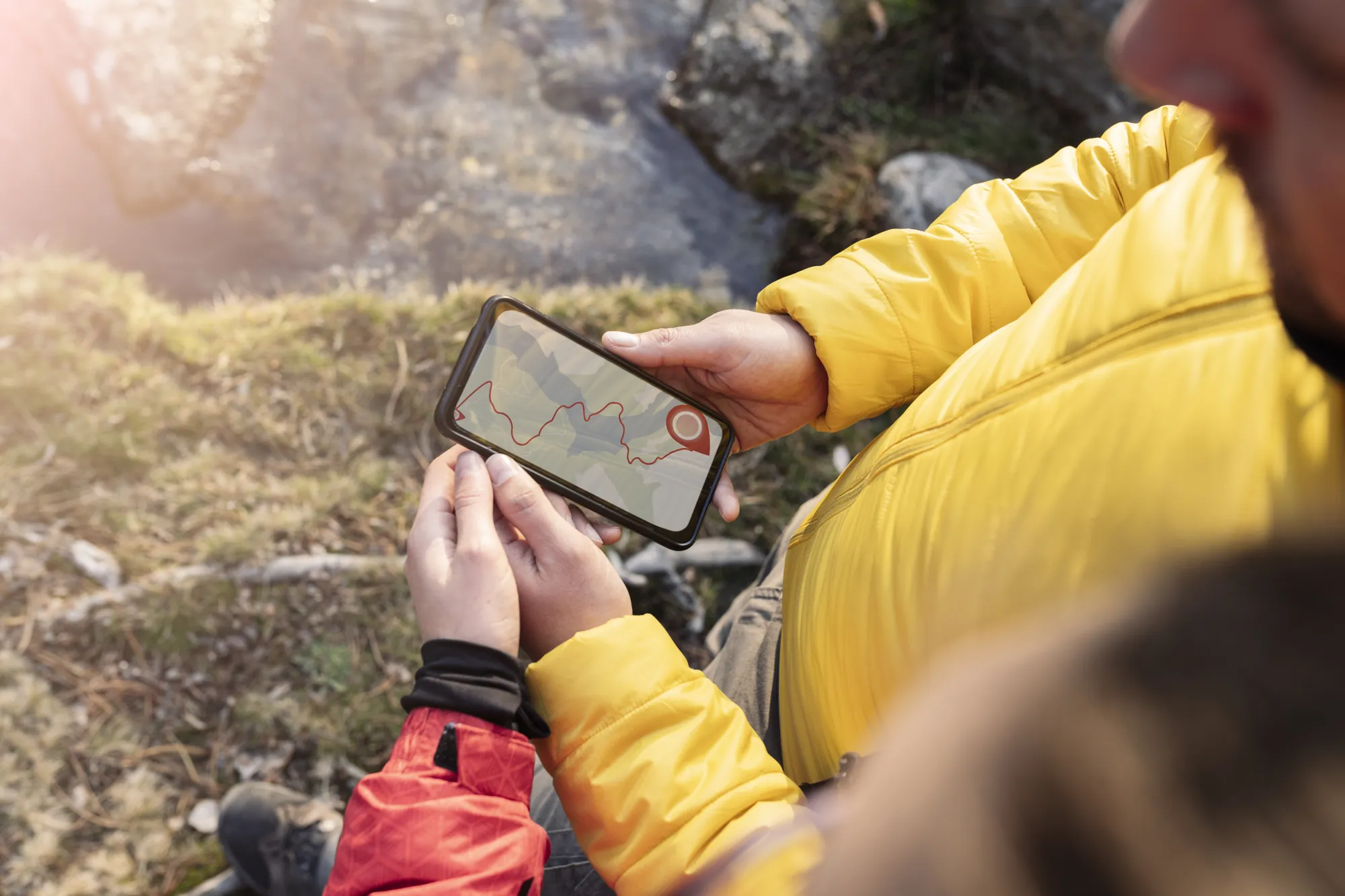
What "download offline map" actually saves
When you press the button on a trek page, your browser stores the files that page has loaded so far. In plain terms, that is the page itself, the 3D engine code, fonts, the terrain and satellite images, and the route line. A small background program on the page (a service worker) then answers from the saved copy first, so the page can open with no signal. When you do have a connection, it refreshes the saved copy quietly.
- It saves into your phone's browser, not into your gallery or files, so use the same browser and phone when you open it.
- It saves what the page loaded, so let the page finish loading before you press the button.
- The button shows the size once saving finishes, so you can see how much storage it used.
- Clearing browser data can remove it. Open the page once at the roadhead's last signal to check it still loads.
What still needs a network
- Any trek page you did not save. It will not open.
- Links to external sources, such as operator pages or Wikipedia. Those are other websites.
- Some photos. Images hosted by other services may not be saved.
- Anything live, such as fresh weather or updated prices on another site.
- Analytics and tracking scripts are deliberately not saved.
If a page element seems missing offline, it is probably something that came from another website.
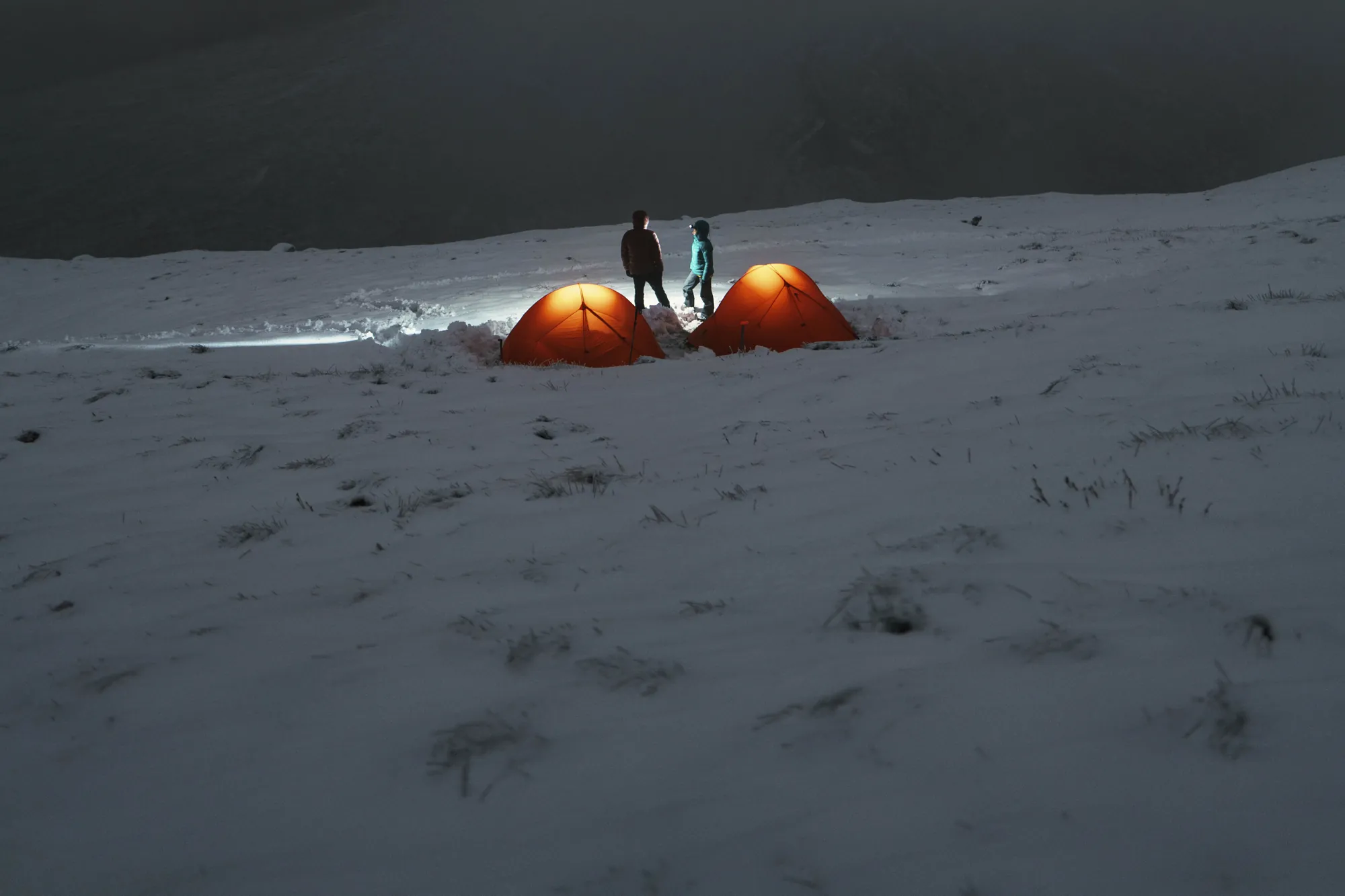
GPS and the "you are here" dot
A phone's GPS works from satellites and does not need mobile data. On pages that offer the Locate me button, the page can show your position on the 3D terrain, and a line saying how far you are from the route. Two cautions:
- The trail line is approximate. Every trek page says it is traced from elevation data and campsite altitudes and is not a navigation map. If the dot and your guide disagree, trust your guide and the marked trail.
- GPS can be slow in valleys and forest. Open sky helps, and accuracy varies.
To see why the line is approximate, read how our 3D maps are made.
A night-before routine for Treqz pages
- On Wi-Fi, open the trek page in your phone's browser and let it finish loading.
- Press Download offline map if the page has it, and wait for "Saved offline".
- Switch on airplane mode and reload the page to test it. If it loads, you are set.
- Take screenshots of the day-by-day table, the permits section and the altitude profile, as a backup.
- Save an OpenStreetMap-based offline map too, as in the offline maps guide, because it can show footpaths and works as a map in its own right.
- Charge your phone and carry a power bank.
Trail tips for a phone with no signal
- Use airplane mode. It saves battery and GPS still works. Keep the phone warm in an inner pocket.
- Look first, then walk. Use the 3D view to see tomorrow's climb, then put the phone away and follow the trail.
- Check the sleeping altitude in the day-by-day table, and go slowly on big steps. See how to read altitude gain.
- Tell someone at home your plan before the signal goes.
- Do not rely on one device. Carry a printed itinerary and your guide's contacts.
What offline looks like in other tools
Other tools save maps differently. Google Maps lets you download an area, and Google's help page says navigation works offline only if the whole route is inside the downloaded area, that offline maps expire, and that some features such as transit and traffic do not work offline. Organic Maps, built on OpenStreetMap data, says it supports all its features without an internet connection once maps are downloaded, and includes hiking trails, contour lines and elevation profiles. They are different tools from Treqz's atlas, which is built for planning rather than turn-by-turn directions. Using one of them alongside Treqz is a sensible plan.
Coming soon
The Treqz app is planned to carry its maps with it so that you do not have to download them, and Treqz Run, the running side, is also coming soon. We will not give dates or promise features before they exist. Until then, the website's pilot download button and the routine above are what we can honestly offer. You can browse treks in the atlas, start with Kedarkantha to try the offline download, and read about what is planned on the Run page.
Treqz is a free atlas, not a navigation or emergency service. Always follow your guide and the marked trail, and tell someone your plan before you lose signal.
Sources
Quick questions
Does the Treqz 3D map work with no signal?
Only if you saved it first. At the moment the Download offline map button is on the Kedarkantha page; once saved, the page opens from your phone with no signal. Other trek pages need a connection to load.
Does GPS work with no signal?
Yes. A phone's GPS needs satellites, not mobile data. Our page uses it for a 'Locate me' dot on the map on pages that offer it, but the trail line is approximate, so follow your guide and the marked trail.
What still needs a network?
Loading a trek page you have not saved, refreshing weather or sources, opening the links to source pages, photos hosted elsewhere and any live data. Save what you need before you leave.
Is the Treqz app available?
Not yet. The app and Treqz Run are coming soon, and this post will be updated when that changes.